Fix My Biz Online

What an Insecure Website Says About Your Business

Security isn't just for big companies. Even small business websites need to protect visitors, customer information, and your online reputation. If your site shows a “Not Secure” warning, many people won't even continue browsing.

Continue reading to see what businses owners should know:

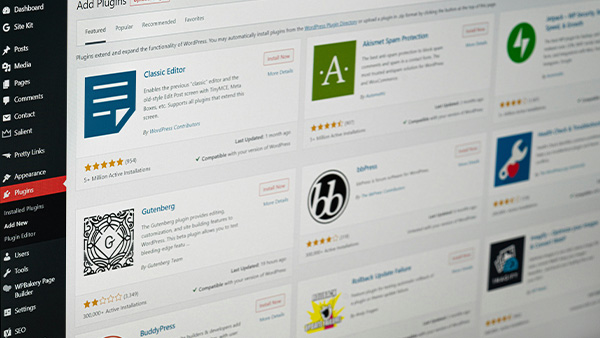
wordpress plugins screen

Your Browser Shows 'Not Secure'

This typically means your website is missing a proper SSL certificate. An SSL certificate makes sure information sent between your website and visitors is encrypted.

Without it:

  • Browsers warn users
  • SEO rankings drop
  • Customers may leave immediately

SSL is not optional anymore, it's required.

SSL Certificate Missing or Expired

Even if you had SSL at some point, certificates expire periodically. When they do, your site starts throwing warnings.

This is an easy fix, but ignoring it can cause major trust issues.

Mixed Content Issues

This happens when your site loads some content over HTTPS and some over HTTP.

Common symptoms:

  • Warning icons
  • Missing images
  • Layout issues
  • Visitors feeling unsafe

Fixing mixed content requires updating asset URLs and settings.

Outdated Plugins or Vulnerable Software

The truth is, outdated software is one of the top reasons websites get hacked.

Risks include:

  • Malware injections
  • Spam redirects
  • Page defacement
  • Email spoofing
  • Lost access to your site

Keeping your site updated is one of the easiest ways to stay protected.

A secure website protects your business, builds trust, and supports better visibility on search engines. Security isn't as complicated as it sounds, and fixing it now prevents bigger problems down the road.

Let's lock down your website.

It's time to get protected.

Complete this brief form, or copy the email below to message us directly, and we'll reply back to your email typically within an hour.

service@fixmybiz.online

Thank you for the chance to serve your business!

- FixMyBiz.Online Team